Turn your picture into a QR code that actually scans.
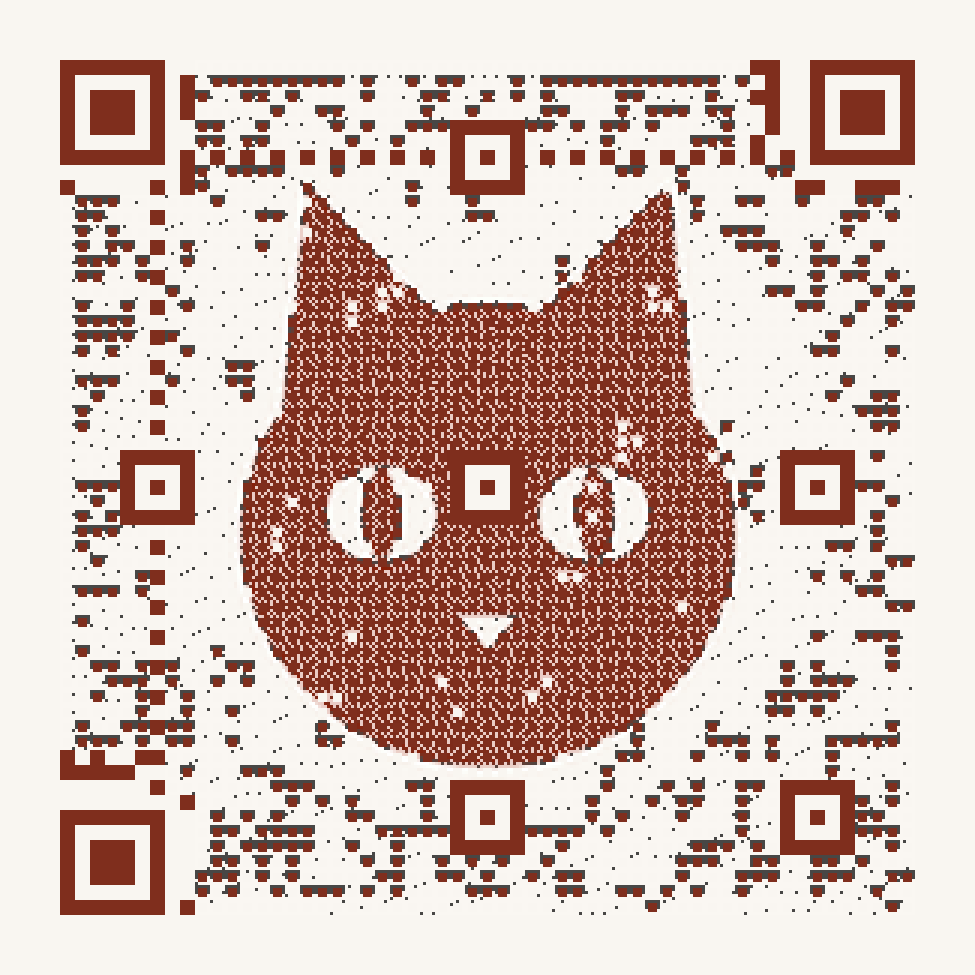
Scan Score 89 out of 100. Read by ZXing in 9 of 11, OpenCV in 7 of 11, WeChat in 10 of 11 test conditions.
89QRPainter draws the code out of your picture instead of pasting a logo in the middle. Before you download it, three QR readers test it in eleven simulated conditions, such as small print and poor light.
- Free codes never expire. No scan cap.
- Change the link after you print.
- PNG and SVG downloads, no sign-up.
- Free codes show a 2-second page with the link first. Pro (€19 a year) opens instantly.
Every one of these is a working QR code.
Made for things people print. Point your phone camera at the screen: each one opens this site.Made for things people print. Scan them from another screen: each one opens this site.
Scan Score is out of 100. Codes under 70 can still be downloaded, but we ask you to test them on your own phone first.
-
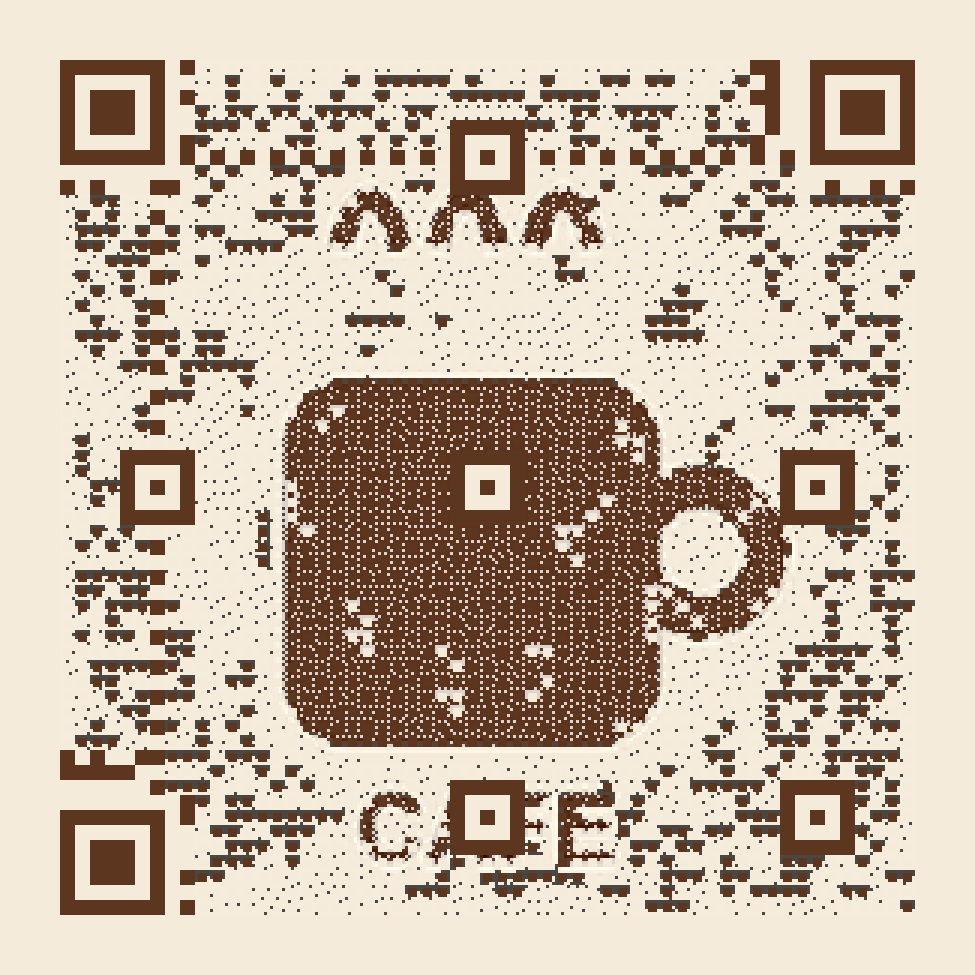
Menus and table cards
The café logo on every table, opening today’s menu.
-
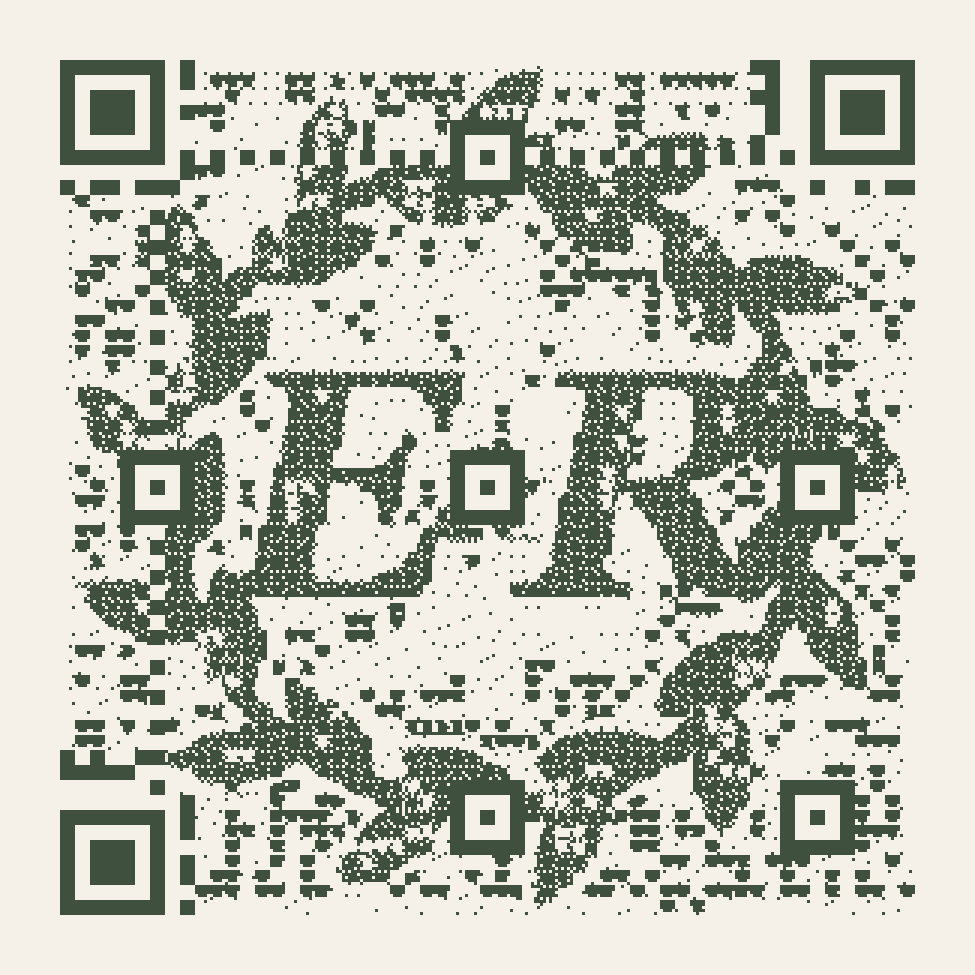
Wedding invitations
Your monogram or your dog, linking to the RSVP page.
-
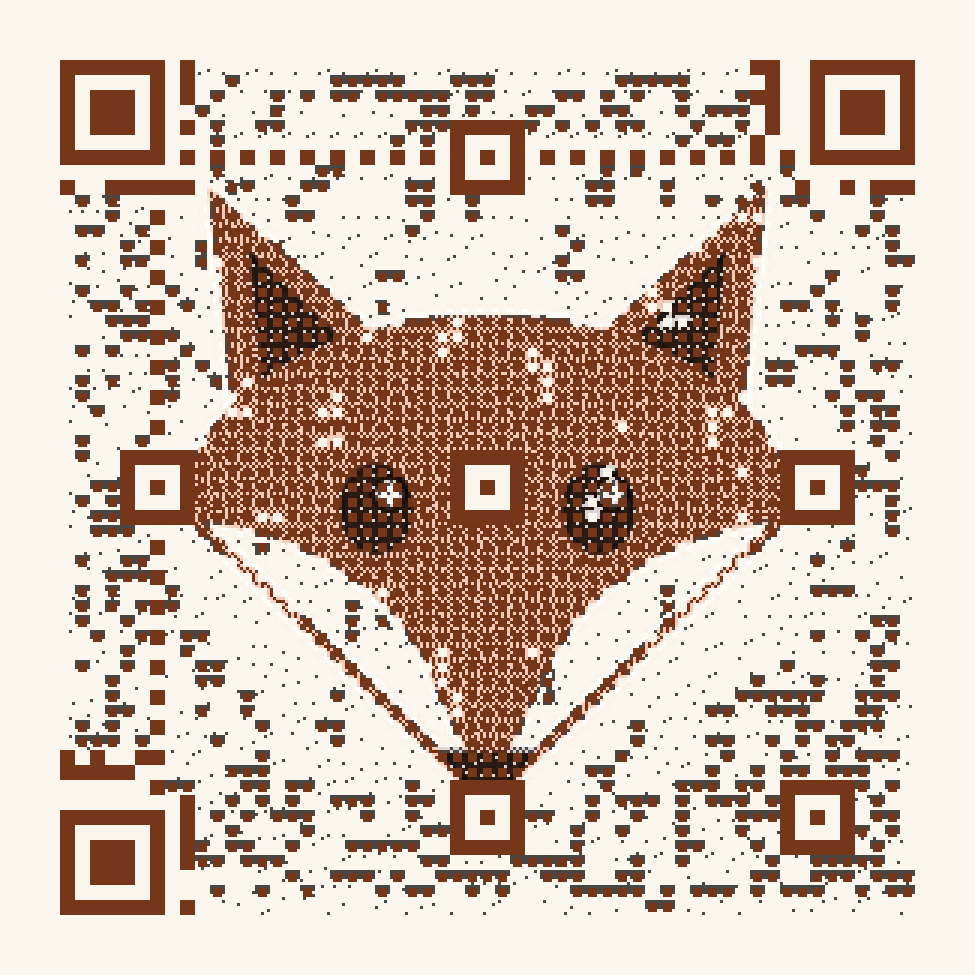
Any picture
Pets, portraits and drawings. A clear subject on a plain background comes out best.
-

Logos and packaging
Your brand mark, drawn as the code itself.
Three steps, about a minute.
- 1
Upload your picture
A logo, a monogram, a pet, a mascot. Drag to frame it, and paint over anything that must stay perfectly clean, like a face or a name.
- 2
Pick from four tested versions
We draw four versions and give each a Scan Score from 0 to 100, with the full list of tests it passed. You choose the one you like.
How the Scan Lab works - 3
Add your link and print
Download PNG or SVG for print. Your code opens a short link you control, so you can change where it leads at any time. If you stop paying for a Pro code, it carries on as a free one.
Our never-dead promise
Questions people ask
Will my picture QR code really scan?
Before you can download a code, we read it with three independent QR readers (ZXing, OpenCV and WeChat) in eleven simulated situations: printed small, blurred, photographed at an angle, in low contrast, in uneven light, as a compressed JPEG and more. You see the Scan Score and exactly which tests passed. Codes below 70 need you to confirm you will test them yourself.
How is this different from a QR code with a logo in the middle?
A logo in the middle covers part of the code and leans on error correction to survive. QRPainter does the opposite: it chooses the code’s own black and white squares so they form your picture, using the free space every QR code carries. Your whole picture becomes the code instead of sitting on top of it.
Does a free code expire?
No. A free code has no end date and no scan limit. The only difference from a paid code is a two-second page that shows where the link goes before opening it.
Can I change the link after I print?
Yes. The printed code points to a short link we look after. Change where it leads, pause it or check how often it is scanned from your private edit link, as often as you like.
What kind of picture works best?
Pictures with a clear subject and strong contrast: logos, silhouettes, monograms, simple illustrations and pet portraits on a plain background. Busy photos work too, but the code has to share the space, so they look grainier.
Do you track the people who scan my code?
We count scans by hour and country without cookies. To estimate unique visitors we keep a one-way hash that is deleted after three days. We never store IP addresses or build profiles.
Your picture is already a QR code. It just doesn't know it yet.
Free, no sign-up, about a minute.