Check the print before the print run.
These example codes open qrpainter.com. Their scores come from software tests, not a physical phone trial. Use this sheet to compare sizes, then repeat the check with your own code on its final material.
- Print at 100% / actual size. Disable “fit to page”.
- Measure a printed square: its full width, including the light border, should match its label.
- Try more than one phone in normal and dim light, at the intended distance. Record failures as well as successes.
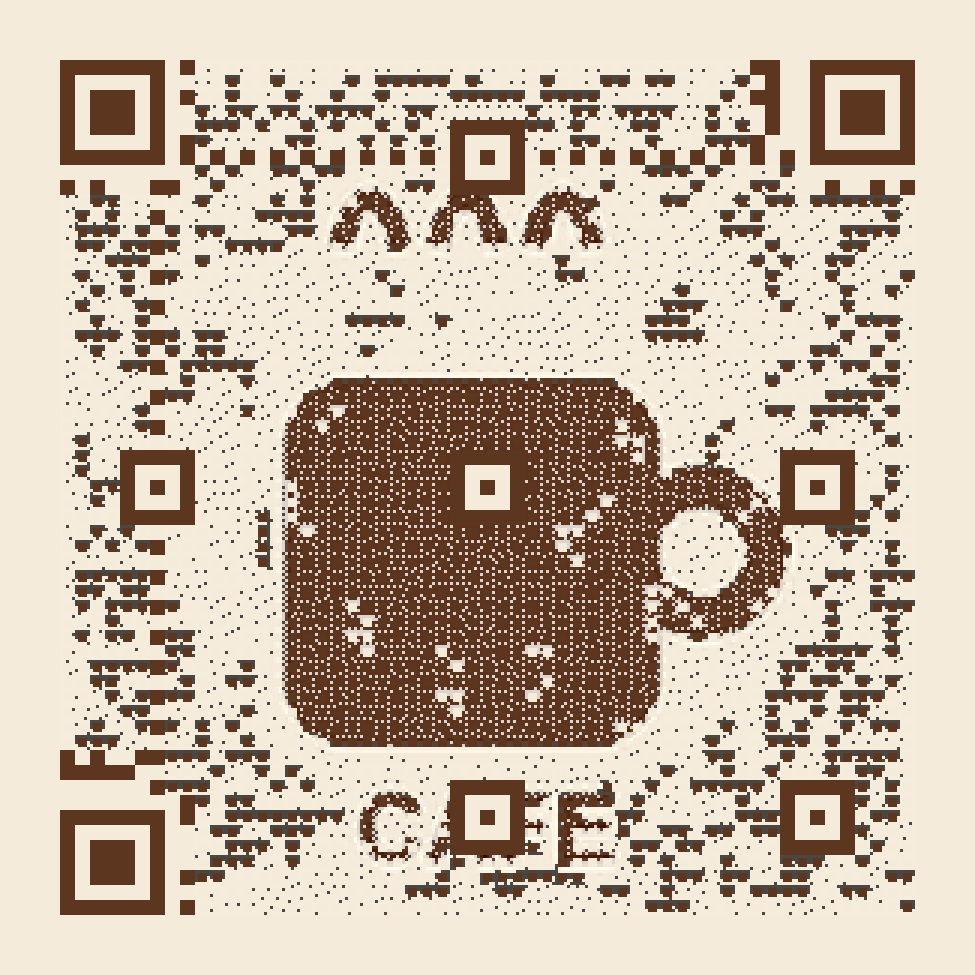
Café logo
Scan Lab 92/100 · generated sample
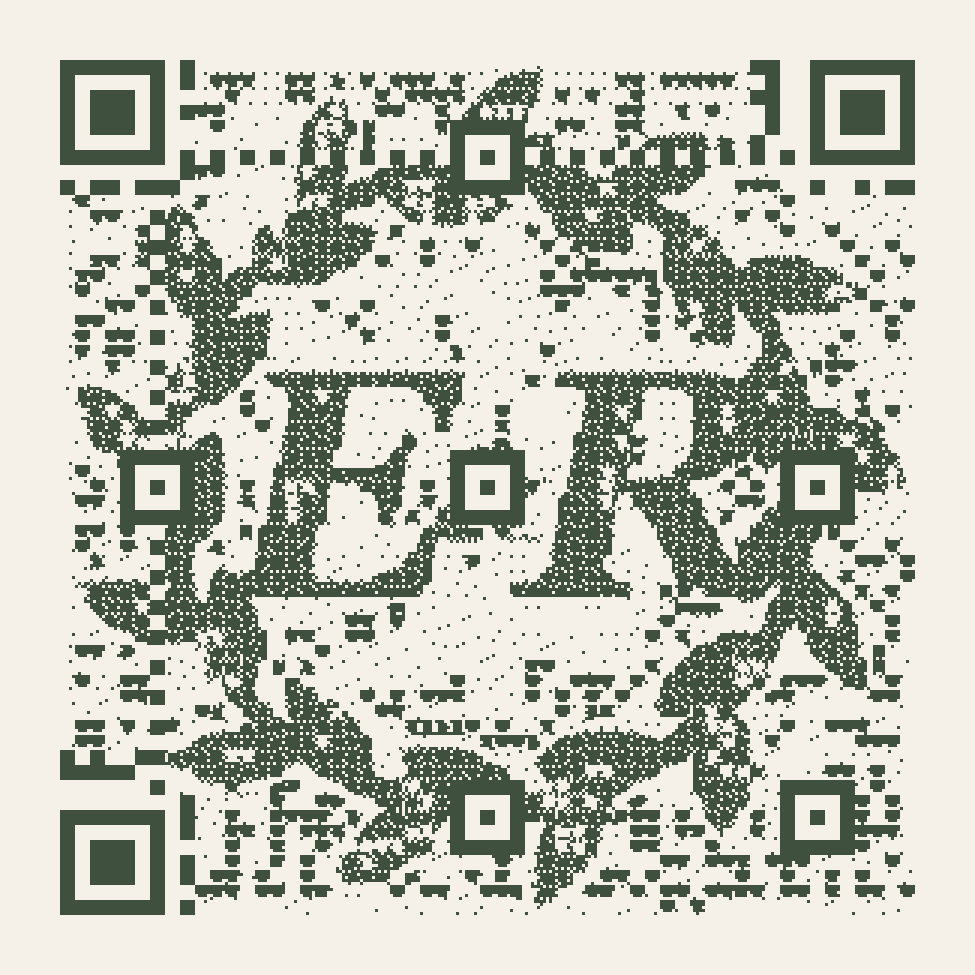
Wedding monogram
Scan Lab 90/100 · generated sample
Phone / camera: ____________________ Paper / finish: ____________________
Light / distance: ____________________ Result / notes: ____________________
A successful sample scan is not a guarantee for another design. Make your code, save its recovery note, and test the final proof.